
Field Operations That Actually Talk to Harvest
Harvest tracks your team's time. Matidor tracks your field. Connect the two so labor hours from Harvest flow into Matidor automatically, and your project managers can see time costs alongside every other field expense in one place.

Harvest Knows Where Your Time Goes. It Does Not See What Happens Between the Timesheets.
Harvest is a trusted time tracking tool for consulting, environmental, and professional services teams. It captures hours, tracks against project budgets, and produces the reports your billing and finance teams rely on. For office-based workflows, it does exactly what it needs to do.
Field operations are a different story. When your team is working across multiple remote sites, time logged in Harvest is only part of the picture. There are third party costs, flow through expenses, field purchases, and site conditions that never make it into Harvest. Your project managers are left combining timesheet data with spreadsheets and emails just to understand true budget status on any given project.
The result is a gap between what your time tracking system sees and what your operations team has to manage. Labor is accounted for. Everything else is not.
Matidor closes that gap. It pulls time and labor cost data from Harvest into a field-friendly workspace, then lets your team track the additional costs that live outside the time tracking system, so you can manage to the real project budget, not just the billed hours.
What Is Matidor?
Four things it does:

1. Location Intelligence

2. Project Management

3. Budget and Cost Control

4. Field Operations
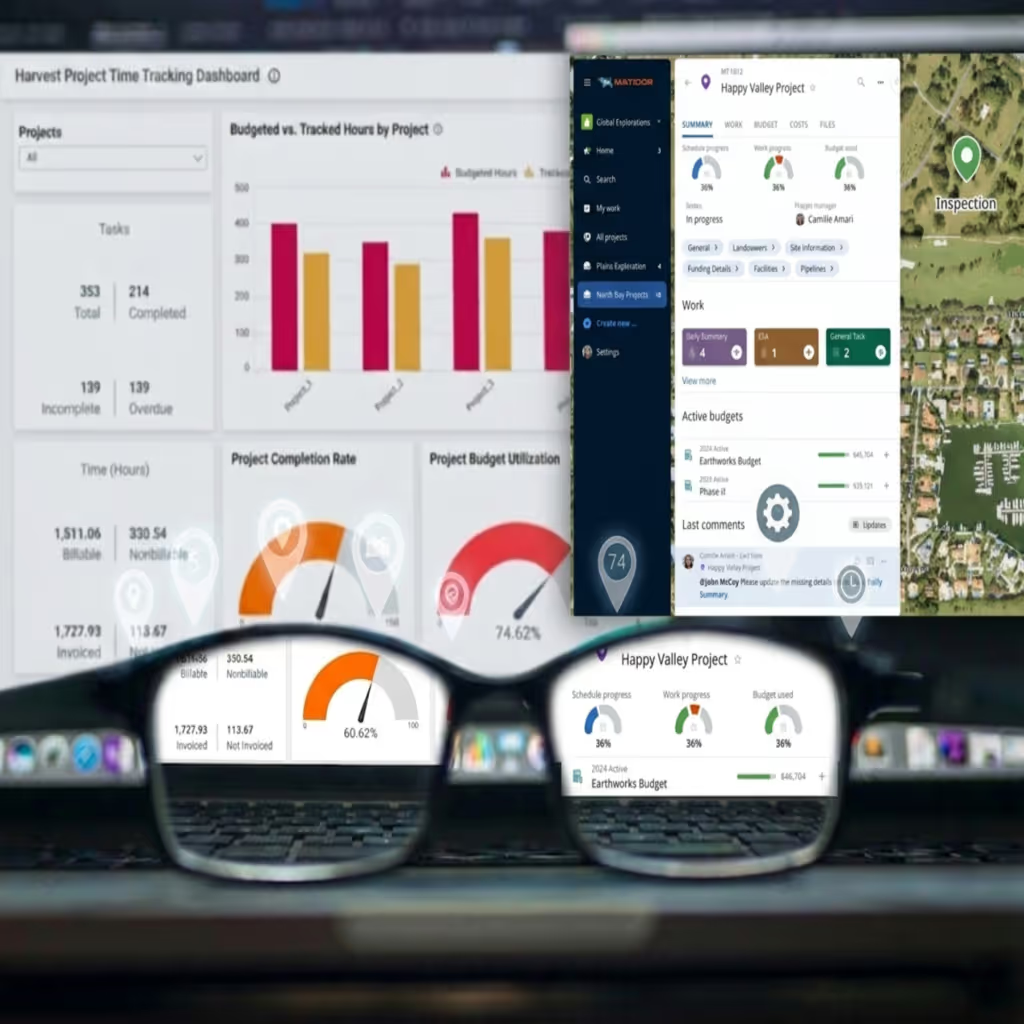
Labor Data From Harvest

Operational Layer On Top Of Time Tracking
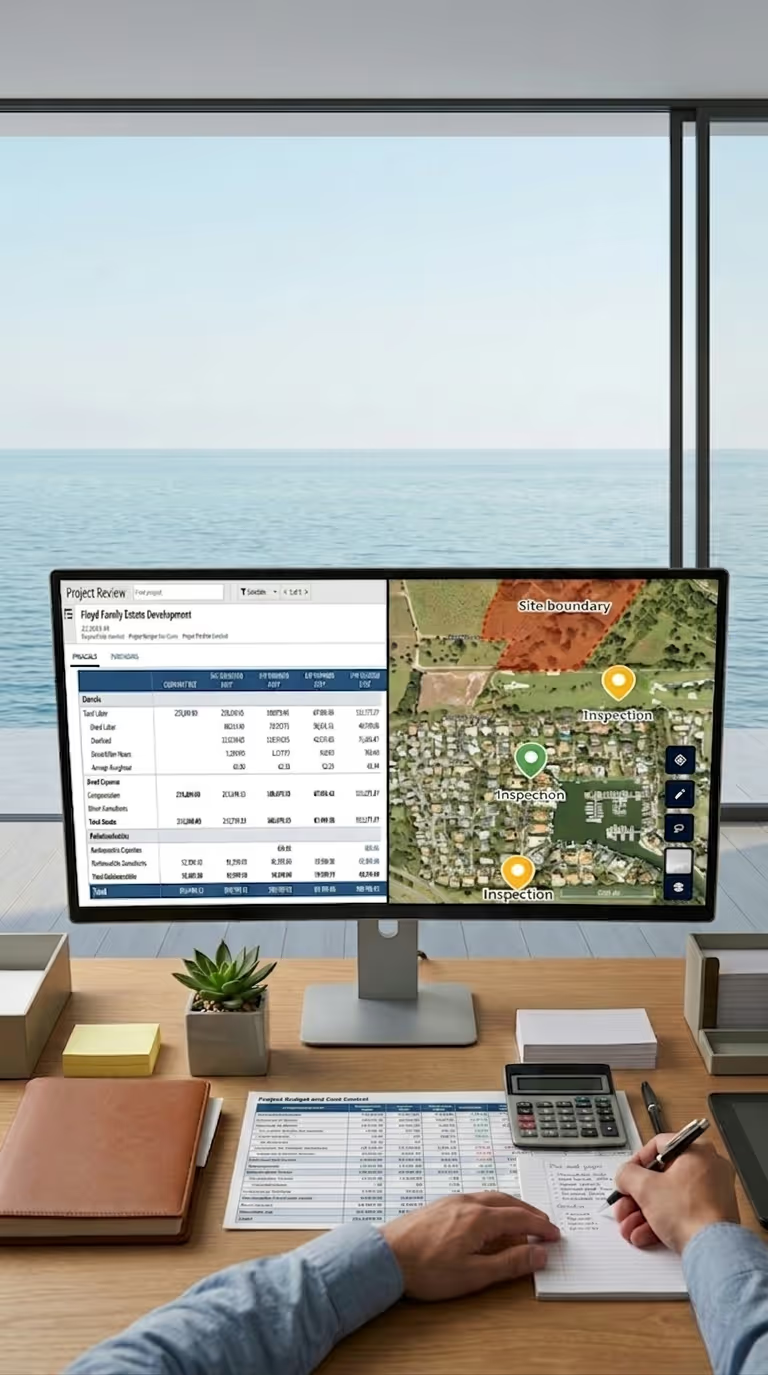
Geographic Visibility Harvest Does Not Include
Your Time Tracking System Sees the Hours. Your Project Managers Need the Whole Budget.
Harvest is where your billable time and labor costs live. That is exactly how it should be. But field project budgets are never just labor. There are third party services, flow through expenses, equipment costs, and small field purchases that do not belong in a timesheet and never make it in cleanly.
Right now, those costs live in spreadsheets, emails, or someone's memory. Project managers try to combine Harvest reports with their own tracking just to understand whether they are on budget. Finance sees clean time logs, but not the full operational picture.
Matidor is where those two worlds meet. Harvest sends time and labor cost data into Matidor. Your team logs only the additional costs that are not tracked in Harvest. The result is a complete view of every project's budget performance in one place, organized by site, visible on a map.
How Matidor and Harvest Work Together
Step 1: Connect your Harvest account
Link Matidor to your Harvest account using your existing project codes and chart of accounts. No custom development required. See all integrations


Step 2: Time and labor cost data syncs into Matidor
Time entries, labor hours, and project cost context sync from Harvest into Matidor. By default, Matidor groups this synced data into two clear buckets for budget context: Labor and Expenses. You do not rebuild your project structure. Matidor aligns to what already exists.
Step 3: Field teams log exceptions in Matidor
Field crews and project managers use Matidor to log the costs that do not live in Harvest, such as third party or flow through expenses and site-specific field costs. These entries can use any categories you define inside Matidor. You decide how detailed your operational view needs to be.
.avif)
%20(1).avif)
Step 4: Harvest remains the source of truth
Harvest continues to own all billable time entries, invoicing, and time-based reporting. Matidor mirrors the labor cost context from Harvest and adds the extra operational costs on top, giving your operations team a complete budget picture without changing your time tracking process.
What You Get When Both Platforms Are Connected
Feature 1
Track Field Exceptions On Top Of Labor Actuals
Harvest remains the source of truth for billable hours and labor costs. Matidor pulls in that data, then lets your team track the additional costs that never touch a timesheet, such as third party services, flow through expenses, and field purchases. You see the real operational budget, not just the billed hours.
Feature 2
Simple Labor And Expenses Buckets For Synced Data
By default, Matidor groups data synced from Harvest into two clear buckets for budget context: Labor and Expenses. This keeps reporting clean and simple for most teams. If you need more granular groupings that mirror a complex project structure, the Matidor development team can configure a custom integration that introduces additional categories for imported data.
Feature 3
Flexible Categories For Matidor-Only Costs
Costs entered directly in Matidor that do not live in Harvest can use any categories you define. You are not limited to Labor and Expenses for these entries. This lets your team track field exceptions at the level of detail that makes sense for operations, while keeping the time tracking sync clean.
Feature 4
Project Level Budget Tracking For Operations
Operations sees Harvest labor data plus additional field costs in Matidor, by project and by site. Project managers do not need Harvest access to understand budget status. They see how each project tracks against its full budget at any time.
Feature 5
Multi-Site Portfolio Visibility
See all active project budgets on a live map. Filter by site, status, or budget health. Matidor gives your operations team the geographic context that Harvest reports cannot provide. Explore location intelligence
Feature 6
One Place For Third Party And Flow Through Costs
Use Matidor to capture third party and flow through costs that are not tracked in Harvest. Finance and billing keep the timesheet data clean. Operations keeps the full budget picture complete. See how Matidor handles budget and cost control
Built For Teams That Already Run On Harvest

Pain point list:
Industries Where This Integration Delivers the Most Value

Environmental Consulting
Environmental firms managing assessments, remediation, and monitoring work across multiple client sites get a complete view of budgets by combining Harvest labor data with field-level costs in Matidor. See environmental solutions
Oil and Gas Operations
Operators tracking field consultants, contractor hours, and well site expenses across large multi-site programs align Harvest time data with Matidor's live field visibility and geographic project view. See oil and gas solutions
Engineering and Professional Services
Consulting and engineering firms with deployed field teams connect time tracked in Harvest to the site-level field costs and exceptions that live outside the timesheet, in one operational view. See all solutions
Multi-Site Service Operations
Inspection, maintenance, and compliance teams working across many locations get site-level budget visibility that combines Harvest labor data with additional operational costs in a single, map-based workspace. See all solutions


Available on the Enterprise Plan
The Harvest integration is included on Matidor's Enterprise plan. Setup is handled by the Matidor onboarding team. Most teams are live within one to two weeks of kickoff.
Frequently Asked Questions
No. Matidor complements Harvest. Harvest remains your system of record for time tracking, invoicing, and time-based reporting. Matidor uses data from Harvest to give operations live budget context and a place to track additional field costs that do not belong in a timesheet. Learn more about what Matidor does
Most teams are live within one to two weeks. The Matidor onboarding team maps your Harvest project and account structures, configures the default Labor and Expenses buckets for synced data, and validates the sync before go-live. The Enterprise plan includes guided implementation for the full platform.
Harvest sends time entry data, labor hours, and project cost context into Matidor. By default, synced data is grouped into Labor and Expenses for clean budget views. Regular time and billing entries remain in Harvest as the source of truth. In Matidor, your team can also track additional costs that are not entered in Harvest, such as third party and flow through expenses, using any categories they define.
Yes. Project managers see real-time budget status in Matidor based on the labor data synced from Harvest plus any additional field costs tracked in Matidor. They do not need a Harvest license to use the operational budget view.
No. The Harvest integration is available on the Enterprise plan only. Starter is a standalone platform for teams getting off spreadsheets. Professional adds QuickBooks Online integration for teams that need accounting sync. Enterprise adds Harvest, Replicon, and Deltek Vantagepoint for teams running more complex time tracking and ERP stacks. See pricing
Yes. By default, synced data from Harvest is grouped into Labor and Expenses in Matidor. If your project structure requires more detailed groupings, the Matidor development team can configure a custom integration that matches your specific categories for imported data. Matidor-only costs, such as third party and flow through expenses, can already use any categories you define.
Matidor is a GIS-native field operations platform for multi-site project teams. You do not need to be an existing customer to get started. The free 14-day trial includes full platform access and integration setup support. Start your free trial
See How Matidor Connects Your Field Work to Harvest
Book a 30-minute demo. The Matidor team will show how your Harvest time and labor data appear in Matidor, how to track field costs that do not belong in a timesheet, and how project managers can manage to the full project budget in one place.
What you will see in the demo:
- Your Harvest projects displayed on Matidor's live map with full budget status
- How synced labor data from Harvest appears alongside additional field costs in Matidor
- How to track third party and flow through costs on top of your Harvest time data
- Setup timeline and what onboarding looks like for your team
%201.avif)