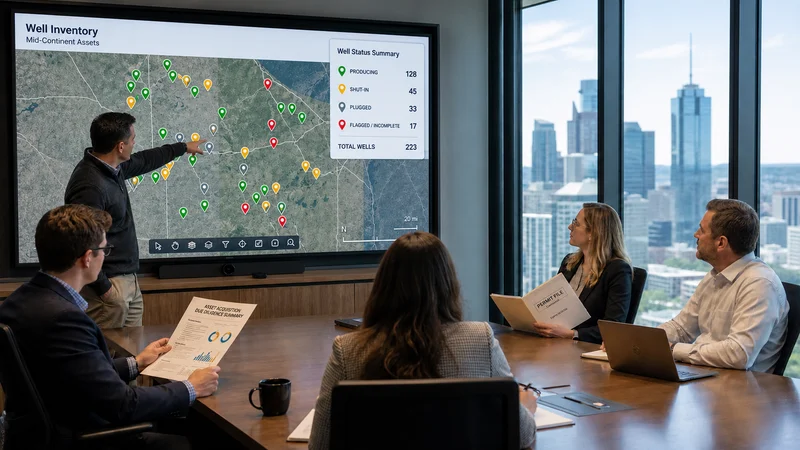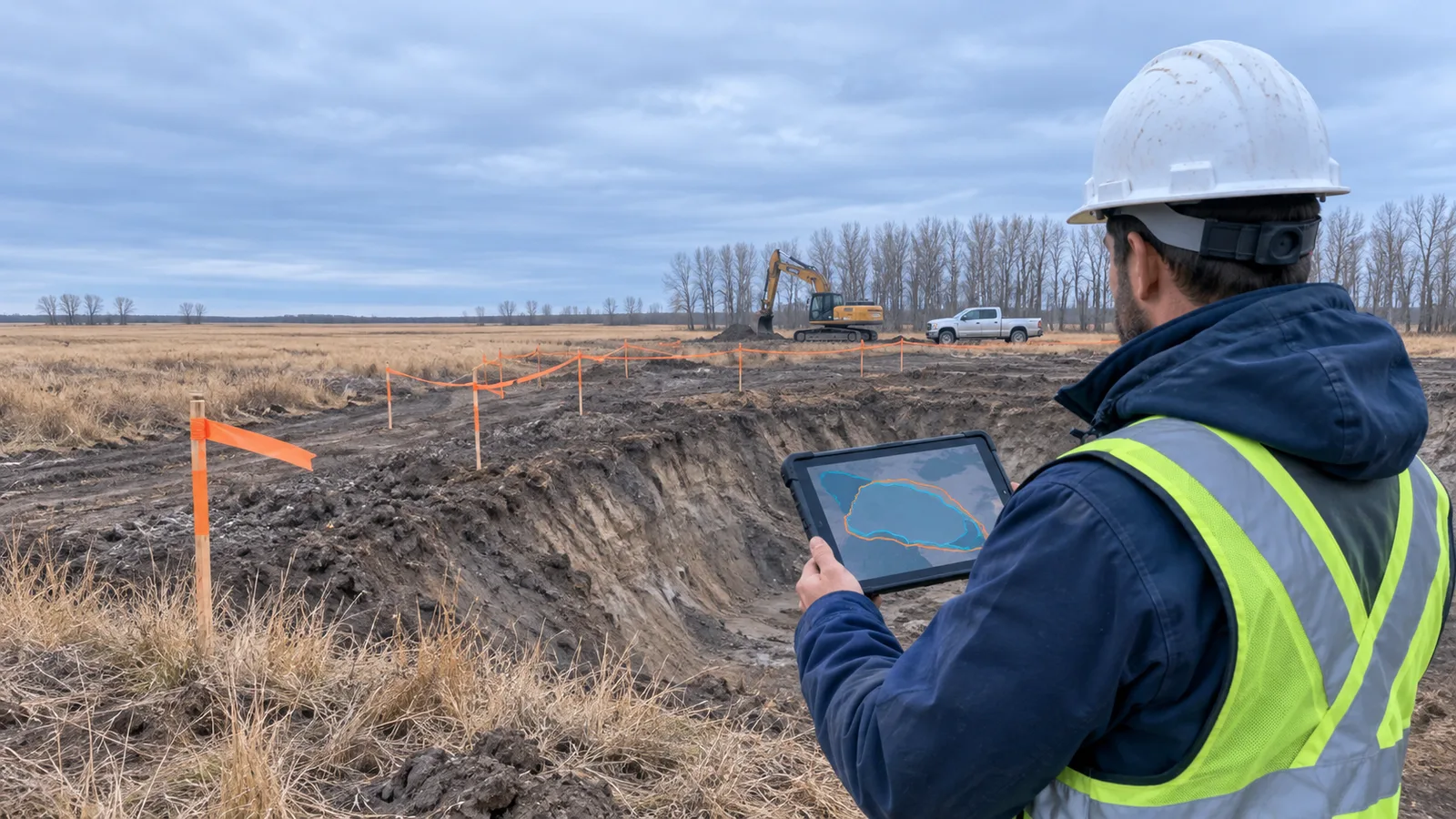

Before you approve a field scope change, check five records: the approved scope baseline, the current budget and cost to date, the field evidence behind the request, the site's history and obligations, and the schedule and open work the change will affect. Reviewing them together tells you whether the change is real, what it will cost, and what else it will move before you commit.
This guide is for project managers, environmental consultants, and operators running remediation, abandonment, reclamation, inspection, and infrastructure field programs. It explains what to look for in each record, the question each one answers, and how to document the decision so it holds up at closeout.
What counts as a field scope change
A field scope change is any change to the work agreed at the start of a project. Common examples include:
- A larger excavation area or deeper excavation than planned
- More samples, monitoring wells, or test pits
- An extra site visit, inspection, or mobilization
- A new task, such as additional vegetation control or access road repair
- A different method, piece of equipment, or subcontractor
Scope changes rarely arrive as a formal request. They often start as a phone call from site, a text with a photo, or an email from a client asking whether the crew can "take care of one more thing while they are out there."
Your contract, AFE process, or internal approval policy decides who can approve a change and in what form. The five records below are about something earlier: the evidence you should see before you say yes.
Why scope changes get approved on incomplete information
Scope changes are often approved on partial information. That is rarely carelessness. The decision is usually made quickly, by someone who is not standing on the site.
Three conditions make this common in field work:
- Time pressure. Crews and equipment are already mobilized, sometimes hours from the office. Waiting a day for a decision has its own cost.
- Scattered records. The original scope sits in a proposal, the budget in a spreadsheet, the photos on a phone, and the site history in a shared drive or an old report.
- Distance. The person approving the change is often reviewing it from a desk, a truck, or another site.
Checking five specific records turns a rushed judgement call into a short, repeatable review.
Record 1: The approved scope baseline
The question it answers: Is this work actually outside the agreed scope?
Start with what was approved. Pull the proposal or work plan, the contract scope or purchase order, the approved budget or AFE, and any changes already approved on the project.
Check for:
- Quantities and limits. Planned area, depth, sample count, number of visits, or hours.
- Assumptions and exclusions. Many scopes state what was assumed (for example, a delineated impact boundary) and what was excluded. A change may be justified precisely because an assumption no longer holds.
- Allowances or contingency. Some of the "new" work may already be covered.
- Earlier approved changes. Make sure you are not approving the same work twice, or extending a change that was meant to be one-time.
If you cannot find a clear baseline, that is the first thing to fix. A change cannot be measured against a scope nobody can locate.
Record 2: The budget and cost to date
The question it answers: Can the project absorb this change, and is the estimate realistic?
A change that looks affordable against the original budget may not be affordable against what has already been spent. Review:
- Actual costs by cost code. Where the project stands now, not where it stood at the last monthly report.
- Committed costs. Contractor field tickets, equipment rentals, and lab work that have been incurred but not yet invoiced.
- Remaining budget. What is left after actuals and commitments.
- Unit costs from completed work. A change estimate built on real unit costs from this project or similar sites is more reliable than a round number from the field.
If your organization uses AFEs or approval thresholds, check whether the change pushes the forecast past a level that needs a different approver or a supplement. It is easier to raise that before the work starts than after the invoice arrives.
Record 3: The field evidence for the change
The question it answers: Does the evidence show what changed, where, and when?
A request to expand scope should come with evidence you can review without being on site. Look for:
- Daily field reports or inspection forms describing the condition that triggered the request
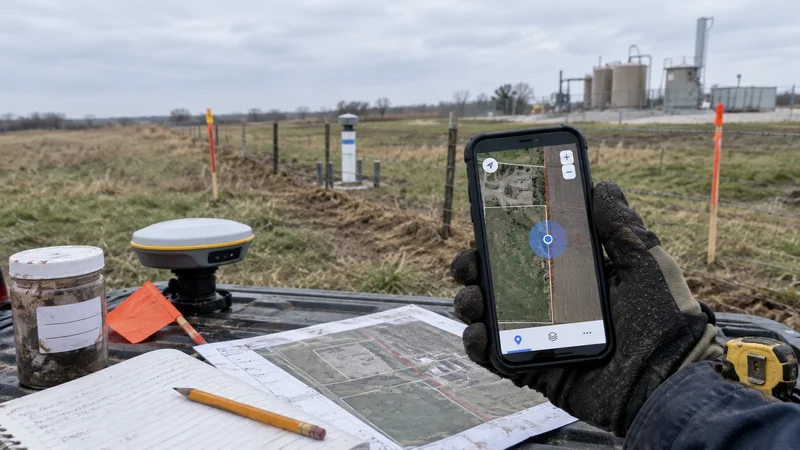
- Photos with a date and a location, so you can tell which part of the site they show and when they were taken
- Field measurements, such as screening readings, depths, or dimensions
- Lab results, with a note on whether they are preliminary or final
- A sketch or mapped drawing of the proposed new work area
Check that the evidence matches the request. If the crew is asking to extend an excavation to the north, the photos and measurements should show the north wall, not the whole site. If the evidence is thin, a limited approval with a requirement for confirmatory data is often better than a full yes or a flat no.
Record 4: Site history and obligations
The question it answers: Does the change create a new risk or break an existing commitment?
The same change can be routine on one site and a problem on another. Before approving, review what is already known about the location:
- Previous assessments and reports, such as environmental site assessments, earlier remediation work, or inspection history
- As-built drawings and utility or pipeline locates that may not cover the expanded area
- Permits, licences, and regulatory conditions that define where, when, and how work can happen
- Landowner or access agreements that limit the footprint or timing of work
- Seasonal or environmental restrictions, such as wildlife timing windows or ground conditions
This is where location matters most. A larger excavation or a new access route may move work outside an approved area, a surveyed boundary, or the footprint covered by an agreement. Viewing the proposed change on a map with the site's existing layers is often the fastest way to see that. Requirements vary by jurisdiction, so confirm the specific obligations for your site with the responsible person on your team.
Record 5: Schedule, crew, and open work
The question it answers: What moves if you say yes?
In a multi-site program, an extra day on one site often means a day taken from another. Review:
- The project schedule and key deadlines, including reporting or regulatory dates
- Crew and equipment assignments, especially in multi-site programs where the same crew is booked for the next location
- Open work on the project, such as inspections, sampling, or tasks that depend on the current scope finishing
- Outside dependencies, such as lab turnaround times, subcontractor availability, or a closing seasonal window
Sometimes the right answer is "yes, but later." If the change can wait for a scheduled return visit without increasing risk, deferring it may protect the rest of the program.
A hypothetical example
This example is hypothetical and for illustration only. It does not describe a real project or customer.
A crew working on a reclamation site finds impacted soil continuing past the delineated excavation boundary. The field lead calls the project manager, who is at the office, and asks to extend the excavation.
Before approving, the project manager works through the five records:
- Scope baseline. The work plan assumed the impact was limited to the delineated area, so the extension is outside the original scope.
- Budget and cost to date. Actuals and outstanding field tickets show the trucking and disposal cost codes are already running close to budget.
- Field evidence. The crew sends dated, located photos of the excavation wall and field screening readings. Lab confirmation is still pending.
- Site history and obligations. On the map, the proposed extension stays inside the site boundary but approaches a pipeline right-of-way, so a new locate is needed before digging.
- Schedule. The same crew is due at another site later in the week.
The project manager approves a limited extension in one direction, with a defined volume cap, confirmatory sampling, and a new locate before work starts. The decision, its conditions, and the evidence are recorded on the project the same day.
A pre-approval checklist
Use these questions before signing off on any field scope change:
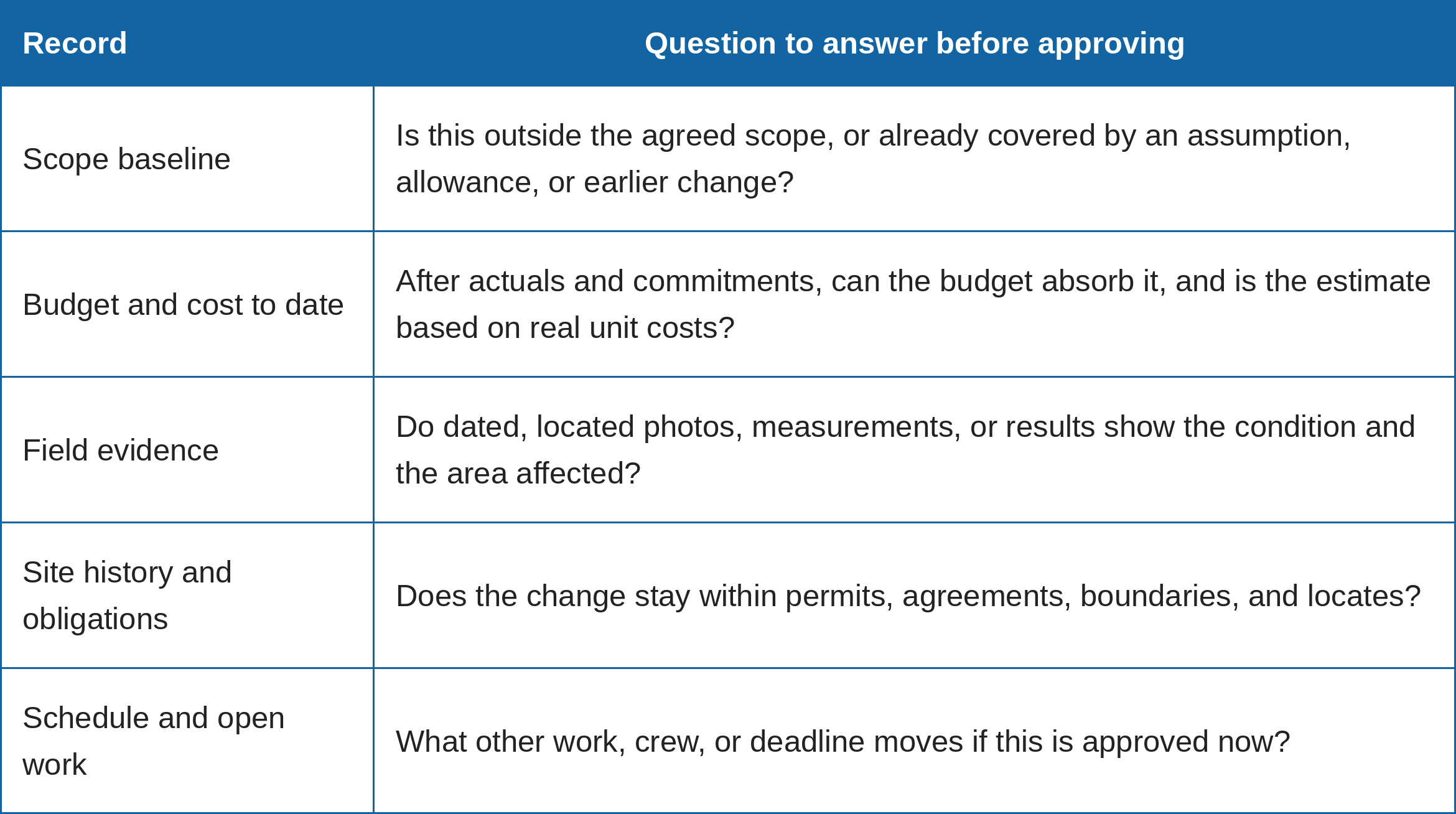
If you cannot answer one of these questions, decide whether to approve with conditions, request more information, or defer.
Document the decision, not just the approval
An approval is only useful later if someone can understand it. For each scope change, record:
- Who requested it, and when
- What was approved, with limits on quantity, area, cost, or time
- Who approved it, and under what authority
- The evidence reviewed
- Any conditions, such as confirmatory sampling or a new locate
- The expected effect on budget and schedule
Keep this record with the project, not in a personal inbox. It feeds directly into client reporting, cost reconciliation, and next year's planning. For more on that handover, see what your field program should hand over to the next year's budget and the five root causes of field project budget overruns.
Where a field data platform fits
The hard part of this review is usually not the thinking. It is finding the five records quickly when they live in different places.
Matidor is a map-based project, portfolio, and field-work management platform for teams that run work across many sites. It does not replace your contract or AFE approval process, but it keeps the records that process depends on in one place. In Matidor, each project sits on a live map with its GIS layers, budgets are built from cost codes, and costs are logged against them with the vendor, date, amount, invoice and ticket numbers, and notes. The team receives email alerts as costs reach 70%, 90%, and 100% of a budget.
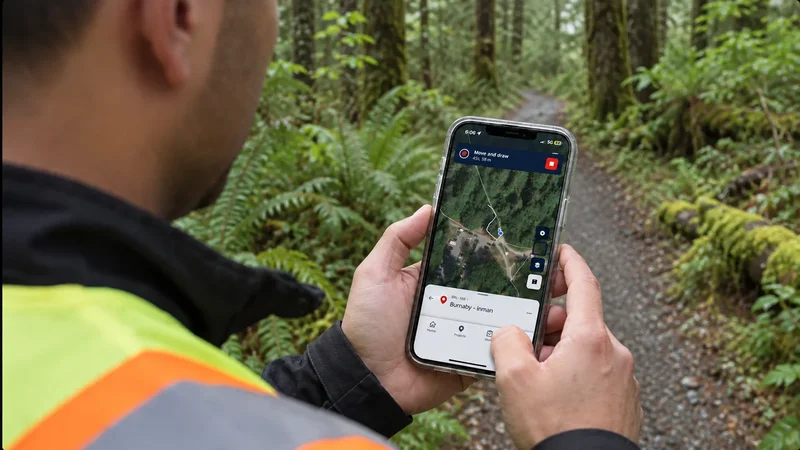
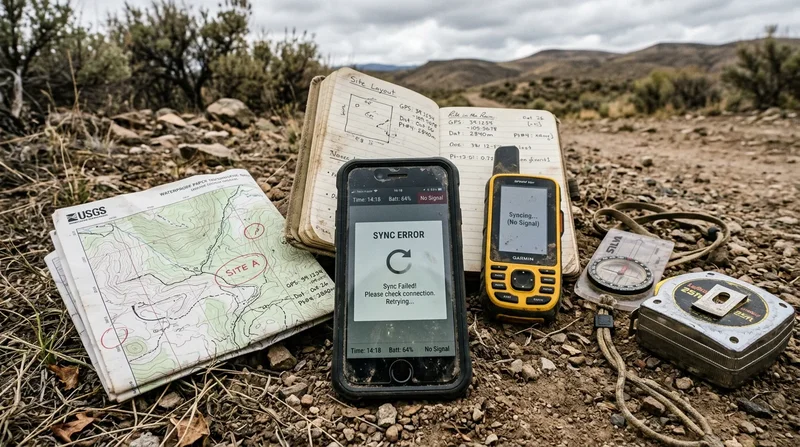
Work items carry a status, assignee, dates, a map location, and subtasks, and work templates can be set to require a manager's approval before a work item is closed. Field crews use the Matidor Go mobile app to capture work items, photos, and files, including offline, with changes syncing once they are back online. Comments support @mentions, and project, work, and budget reports can be exported as PDFs that include comments, photos, and timestamps.
To see how field teams bring this together, read how NorthWind Land Resources centralized its field workflows in Matidor. If your team is reviewing how it handles scope and budget decisions, you can compare Matidor plans or start a 14-day free trial with no credit card required.
Frequently asked questions
What is a field scope change?
A field scope change is any change to the work agreed at the start of a field project, such as a larger work area, more samples, an extra site visit, a new task, or a different method or subcontractor.
What records should you check before approving a field scope change?
Check five records: the approved scope baseline, the budget and cost to date, the field evidence behind the request, the site's history and obligations, and the schedule and open work the change will affect.
Who should approve a field scope change?
The approver is set by your contract, AFE process, or internal approval policy. In practice, the project manager usually reviews the request with the field lead, and changes above a set cost or risk level may need a client, owner, or finance approver.
How do you estimate the cost of a scope change in the field?
Base the estimate on unit costs from completed work on the same project or similar sites, then compare it with the remaining budget after actual and committed costs. Avoid round-number estimates that are not tied to real rates or quantities.
Should a verbal scope change approval count?
A verbal approval may be needed to keep a crew working, but it should be confirmed in writing as soon as possible, following your contract's change process. The written record should state what was approved, its limits, and who approved it.
How should a scope change be documented?
Record who requested and approved the change, what was approved with its limits, the evidence reviewed, any conditions, and the expected effect on budget and schedule. Store the record with the project so it is available for reporting and closeout.